The Live Artifact Build
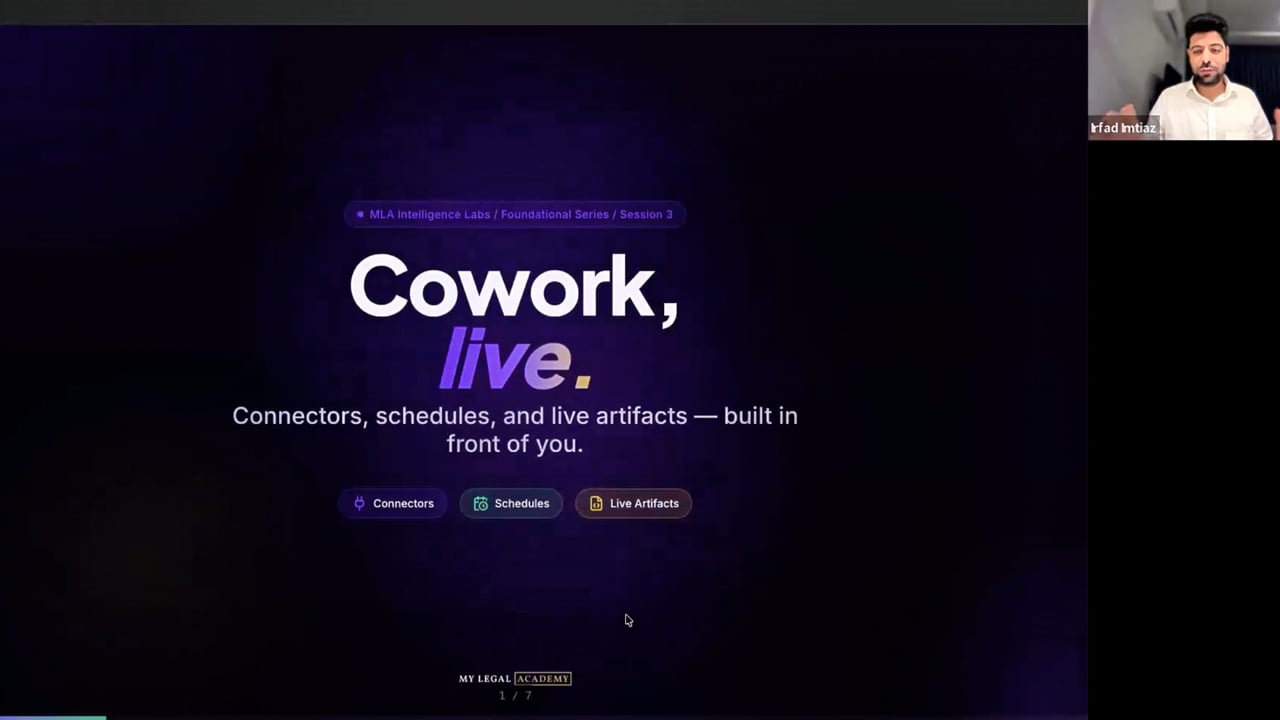
One Cowork. Every connector wired. Live artifacts that rebuild themselves. A live room of law firm owners watched Aliza Rizvi turn Gmail, Drive, Calendar, and Slack into a morning triage and a self-updating intake dashboard — the moment Claude stopped being a chat and started being a system.
Both free. Lab 7 — The Coworking Lab (Advanced · Bring Your Workflow). Wednesday, May 27 · 11 AM PT. Email your use case to techmanager@mylegalacademy.com and we may build it live.
Full session · recorded live May 20, 2026 · captions available
Inside this recording
What you'll walk away with
Connectors are bridges, not magic. Gmail, Drive, Calendar, Slack, and Microsoft 365 wire into Cowork once and Claude reads your firm's actual data from then on — no copy-paste, no exports.
The morning triage scheduled task. Pulls your last 24 hours of email plus today's calendar before you wake up, then delivers a ranked priority list to Slack or a Gmail draft. Aliza built it live in 90 seconds.
Live Artifacts vs static artifacts. A static artifact is a screenshot of your data at a moment in time. A live one re-pulls the source every time you open it — your intake-funnel dashboard updates itself whenever a new lead hits the spreadsheet. The difference between a report and a system.
The Gmail / Microsoft 365 gap. The Gmail connector can draft replies directly inside your inbox. The Microsoft 365 connector currently can't — same Claude, different permissions. Zapier's native Claude connector is the bridge until that closes.
Privacy in plain English. Zero Data Retention is Claude Enterprise only. Pro and Team default to a 30-day window. Verify your tier and data settings before you connect a Drive folder that holds client PII.
Andrey closing: AI is consistent practice over time, not a quick win. Show up every Wednesday, build one real thing each session, and three months in you have a firm running on Claude.
The Stack
Connectors → Scheduled Tasks → Live Artifacts
Three layers. Wire the connectors once. Schedule the work that runs on its own. Layer live artifacts on top — dashboards that re-pull the source every time they open. That's the difference between a chat and a system.
Layer 1
Connectors
Gmail, Drive, Calendar, Slack, Microsoft 365. Wired into Cowork once. Claude reads your actual firm data from then on. Zapier covers the gaps until the native ones catch up.
Layer 2
Scheduled Tasks
Daily, weekly, on-demand. Claude pulls from the connectors, runs the prompt, delivers to Slack or a Gmail draft. The work that used to wait for you, now waiting on Claude.
Layer 3
Live Artifacts
Dashboards that re-read their source every time they open. Intake funnels, billing nudges, partner briefings. Built once. Always current. Never stale.
The Build Sheet
Six live artifacts to ship first
The shortlist Aliza walked the room through. Each one wires the same three layers above against a different bottleneck. Start with one. Ship it. Add the next next Wednesday.
Daily
Morning Triage
Scheduled task that pulls the last 24 hours of Gmail and today's calendar before you wake up, ranks by priority, and delivers the brief to Slack or a Gmail draft. Aliza built it live in 90 seconds.
Live
Intake Funnel Dashboard
Live artifact pointed at a Drive sheet — every new lead row rebuilds the dashboard on next open. Source of leads, conversion rate, response time, all without exporting anything.
Per-matter
Matter Recap
Live artifact that re-reads a matter folder every time it opens. Latest filings, last client touch, outstanding tasks. The status update you used to ask your paralegal for.
Weekly
Ad Spend Watch
Connect a Sheet of campaign performance, watch CPL and conversion-rate drift in real time. The same place you used to open three browser tabs to compare. One live artifact instead.
Daily
Billing Nudge
Live list of invoices over 30 days unpaid, drafted as Gmail follow-ups your billing person can review and send. Built once, runs forever.
Weekly
Partner Briefing
Scheduled artifact that rolls Calendar, Gmail, and Drive activity into one Monday-7am report. The meeting you don't need to call any more.
Each artifact takes 5-15 minutes to wire if your connectors are already in. The first one is the hardest. The sixth one feels normal.
Bring it to Lab 7.
Lab 7 is The Coworking Lab — Advanced track, open agenda, Wednesday May 27. Email the workflow you're stuck on to techmanager@mylegalacademy.com. A handful get pulled into the room and built live on screen. Everyone else builds along in their own Claude.
Register for Lab 7Free through May 31. 90 minutes live. Bring your laptop.
Intake reply drafts
Gmail connector
Live KPI dashboard
Drive + live artifact
Matter status briefings
Scheduled task
…or bring your own. Email it before Wednesday.
Your next move
Two ways to go deeper. Both are free.
Six-pillar audit · For your firm
Revenue Leak Audit
We run the full Digital Dominance Report on your firm one-on-one. Every pillar walked through with you — what's working, what's leaking — compared against three of your actual competitors.
- Full 6-pillar Digital Dominance Report
- Side-by-side comparison vs 3 competitors
- Prioritized fix list across every pillar
- 30-minute 1:1 walkthrough with our team
Free. 30 minutes. No pitch unless you ask.
Founding Cohort · 50 seats
Stay in the Room
Intelligence Labs goes paid June 1. Founding Members lock $197/month for as long as they stay active. May Labs are free for everyone on the waitlist. Weekly Foundational + Advanced sessions, Ranql Pro included, expanding bonus portal.
- Weekly Foundational + Advanced Labs
- Ranql Pro account included ($147/mo value)
- Founding rate $197/mo, locked for life
- May 2026 Labs free for waitlist
50 Founding seats. Locked $197/mo. June 1 launch.
Watched the Lab. Now ship the first artifact.
If you're a Labs attendee, your bonus portal has the prompt pack from this session — the morning triage, the intake-funnel dashboard, the matter recap. Pick one. Wire the connector. Ship by Friday.
Not registered yet? Join the Labs community — Lab 7 (May 27) is The Coworking Lab. Advanced track, open agenda, bring the workflow you're stuck on. Email it to techmanager@mylegalacademy.com and we may build it live.